ver
Run your league step by step
The whole app in about ten minutes, filmed on the real screens: from creating a league to the last ball and the points table.

- 0:00Intro
- 0:08Create your account
- 0:31Create your league
- 1:26Series & Admin
- 1:52Teams & players
- 2:40Registration & approvals
- 3:04Fixtures & matches
- 3:26Events & availability
- 3:48Give scoring access
- 4:09Score a match
- 5:23Fix mistakes & match settings
- 5:48Rain? Force stop & DLS
- 6:20Stream it on YouTube
- 7:08Live & resume
- 7:28After the match
- 8:00Points table & stats
- 8:25League admin tools
- 8:52Profile, rankings & alerts
- 9:20Community & more
Practice leagues in 5 minutes
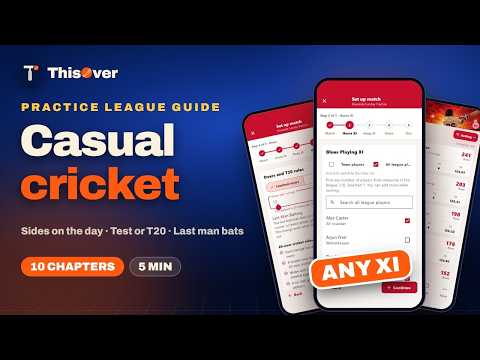
Nets, friendlies and sides picked on the day: pick from everyone in the league, any number a side, limited overs, a Test or The Hundred, Last Man Batting, and changing the match while it runs.
Box Cricket in 5 minutes
Free box leagues: six overs a side by default or one tap for more, outs per innings, players bat again, and real batting and bowling stats.

Go live with two phones in 4 minutes
One phone scores, one films on a tripod: where to put the camera, getting it level, brightness, colour and zoom, quality, and going live on YouTube with the score on the video. Needs a ThisOver plan; watching is free.

- 0:00Intro
- 0:07What you need
- 0:24How it works
- 0:43Place the camera
- 0:58Score on phone 1
- 1:07Open Go live on phone 2
- 1:19Connect your channel
- 1:31Turn on the camera
- 1:42Get the angle right
- 1:58Brightness, colour and zoom
- 2:17Choose the quality
- 2:34Go live
- 2:47Control it from the scorer’s phone
- 3:04Fans watch everywhere
- 3:14Finish + checklist
Stream with OBS + more cameras in 3 minutes
Several camera angles from a laptop: connect the phones, place the cameras, paste the server and key from ThisOver into OBS, add the score overlay, and switch angles live.

Ready to start your season?
Seven days to set up the whole league, with no card. Your players join free.